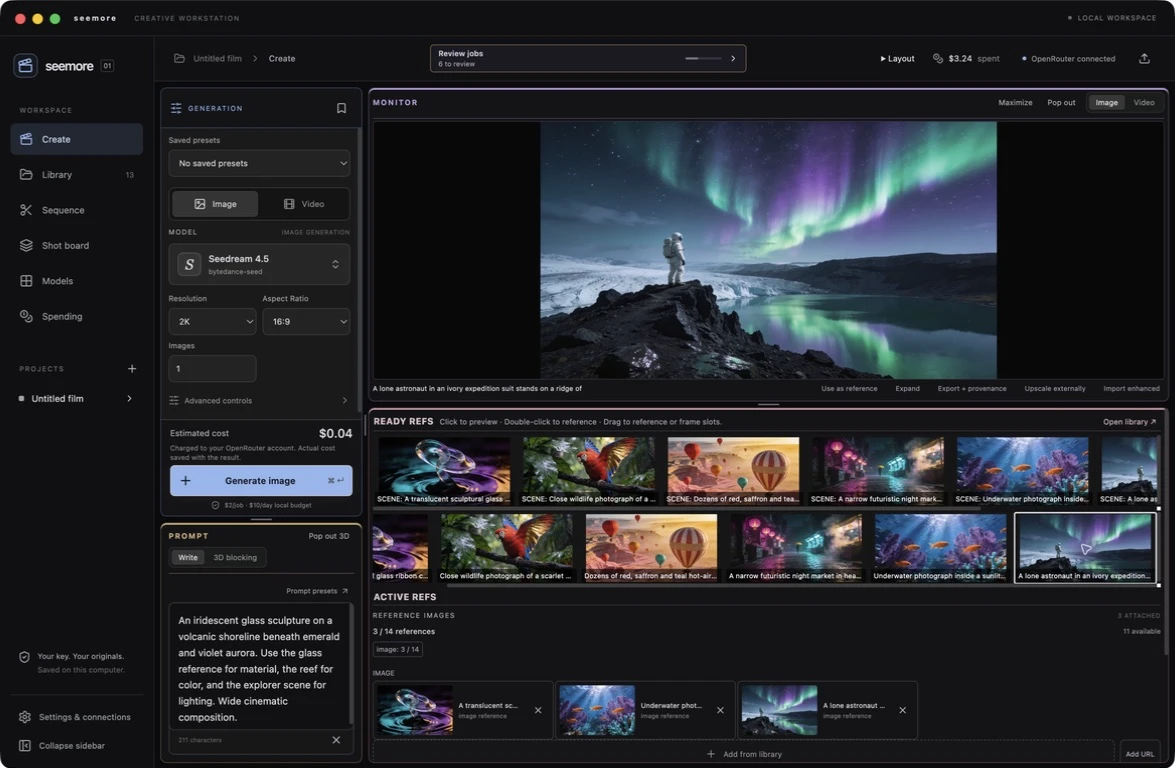
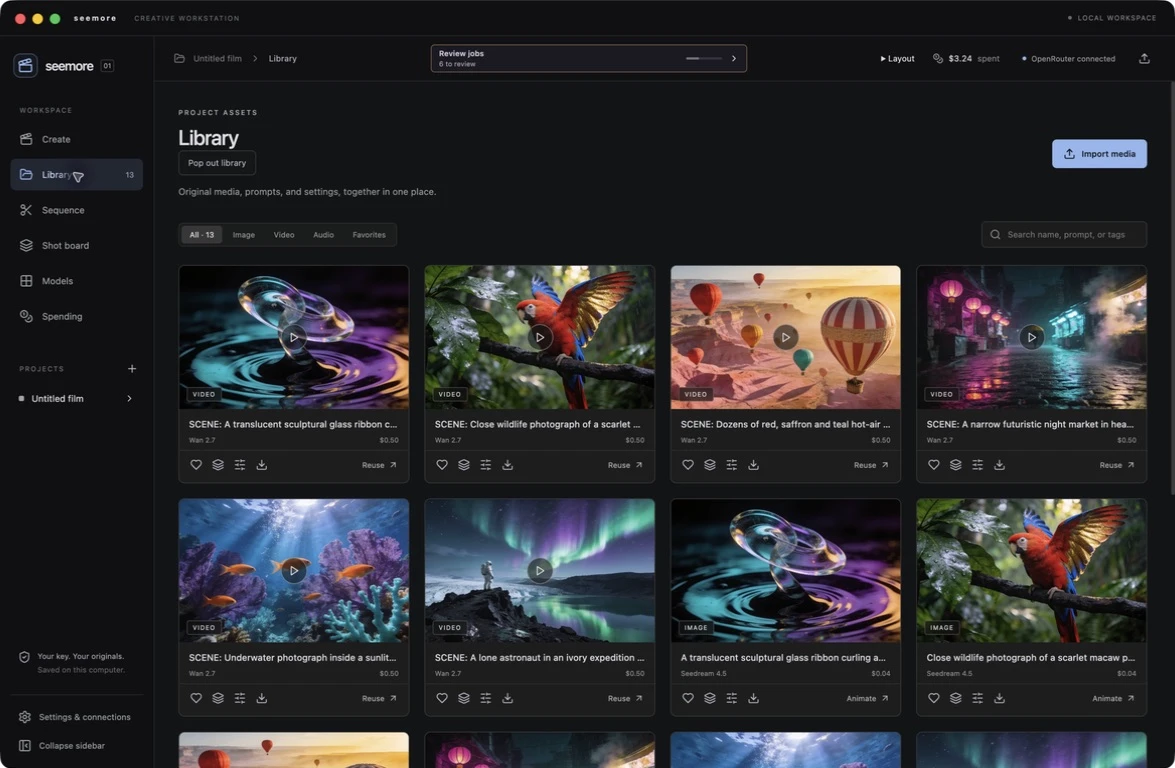
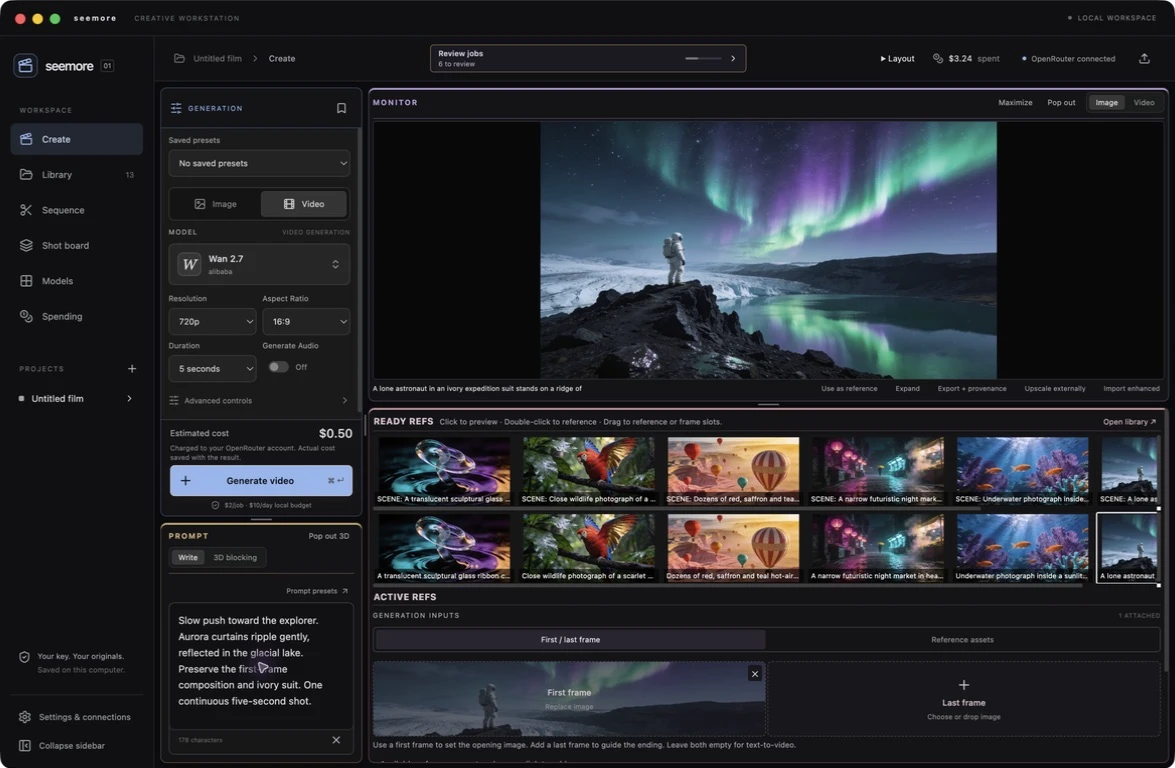
IN DEVELOPMENT · NEXT DESKTOP RELEASE
One place to bring it all together.
From the first reference to the final cut. The next seemore brings picture, sound, enhancement, and finishing into one connected workflow. Choose the tools your project needs. Keep everything you make together.
Preview of the next release. The connector features below are being developed and tested; they are not included in the current download.
Your workflow. Your choice.
A simple image may need only OpenRouter. A short film may need voice, enhancement, and a finishing suite. ElevenLabs, Topaz, Blender, and Resolve are optional. Connect them when they help. Skip them when they don’t.
OPTIONAL · ELEVENLABSSound belongs with the picture.
Create a voiceover or sound effect from the workspace. Choose a voice, review the estimate, and keep the resulting audio in the same project library. Less downloading, renaming, and searching for the right file.
Initial connector: voiceover and sound effects. An ElevenLabs API account is required. Music, dubbing, and multitrack audio editing are future work.
OPTIONAL · TOPAZGive your best takes the finishing touch.
Choose a video. Review a Topaz credit quote. Approve the enhancement and follow its progress in seemore. The new version stays linked to its source, so you can keep both.
Initial cloud connector: Proteus video enhancement at original size or 2×, within supported limits. Topaz API credits are separate. Images can use the external-upscaler handoff.
CAMERA & SHOT BLOCKINGDirect the shot before you generate.
Place simple subjects. Set the lens. Record an orbit, pan, or dolly in the camera view, then render a reference clip. Open the blocking panel in its own window when you need more room.
Built-in blocking works without Blender. Optional local Blender rendering produces an MP4 and editable scene file. AI models receive the rendered reference; matching its motion is not guaranteed.
OPTIONAL · FINISHINGReady for the next stage.
Make a quick cut in seemore or export media and source documents for Resolve, Premiere, or another editor. Render your sequence first to carry its timing and effects into finishing as a single clip.
The current development handoff is a media package. Editable timeline transfer, Resolve MCP control, and automatic return linking are still planned.
SPENDING, IN CONTEXTKnow what each step means for your budget.
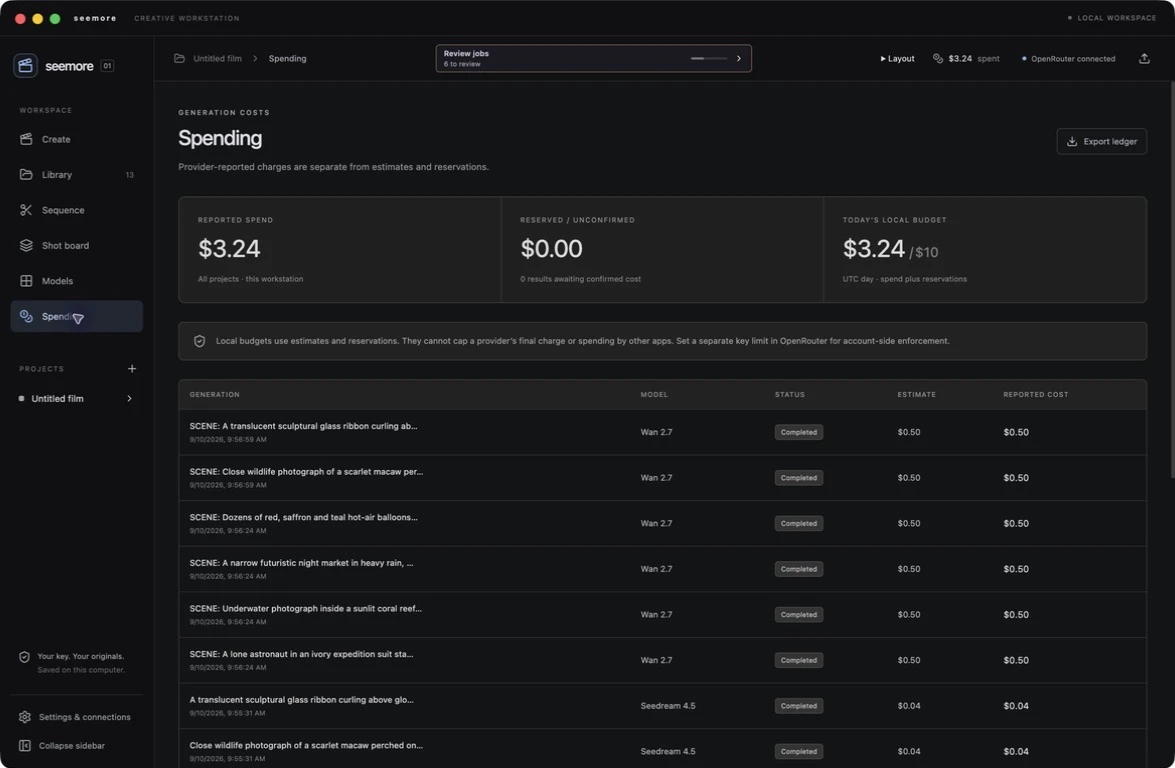
Review OpenRouter charges alongside audio and enhancement job records. See provider credits and their estimated dollar value without confusing them with a new cash charge. Approve paid work before it starts.
Credit conversion uses your configured plan rate. Exact charges may not be reported by every provider. Local budgets do not cap provider bills or track work submitted outside seemore.
SOURCE RECORDSEvery result has a history.
Keep prompts, models, settings, timestamps, file fingerprints, and available usage records alongside your media. Trace an enhanced version to its original. Export the source document with the file.
Provenance records document production; they are not copyright certificates or proof of ownership.
Hands-on. Or assistant-led.
Use the familiar workspace yourself, or let an MCP-compatible assistant prepare work through seemore. The same project. The same library. Paid audio and enhancement jobs wait for approval in the desktop queue.